All guidesShare and find
Arena boards
Around the pitch on public exercises stand boards with logos from businesses and clubs, much like the advertising boards around a real pitch. They show in Explore, in the packs and in shared links, never on a coach's own exercises or a group's material. There are 16 places in the ring.
Where to find it
- More
- Profile
- Advertise in the app
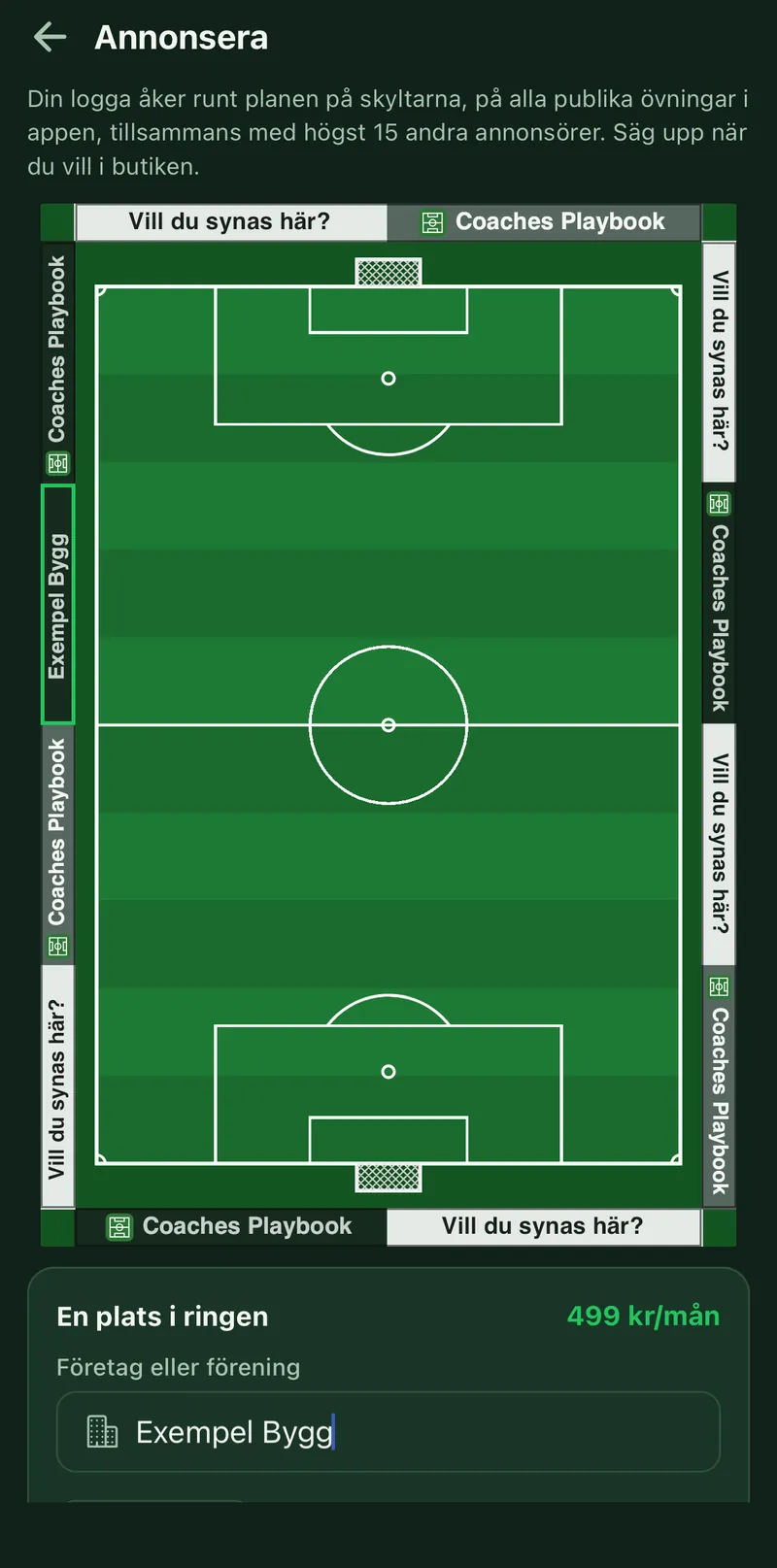
1Buy a place
Open Profile > Advertise in the app, or tap a board around the pitch. Enter the business or club name, tap Choose logo and pick the Background your logo shows best on: Dark, Mid or Light. The pitch at the top shows how the board will look. Then tap Subscribe. A place costs 499 kr a month, paid as a subscription in your phone's app store.
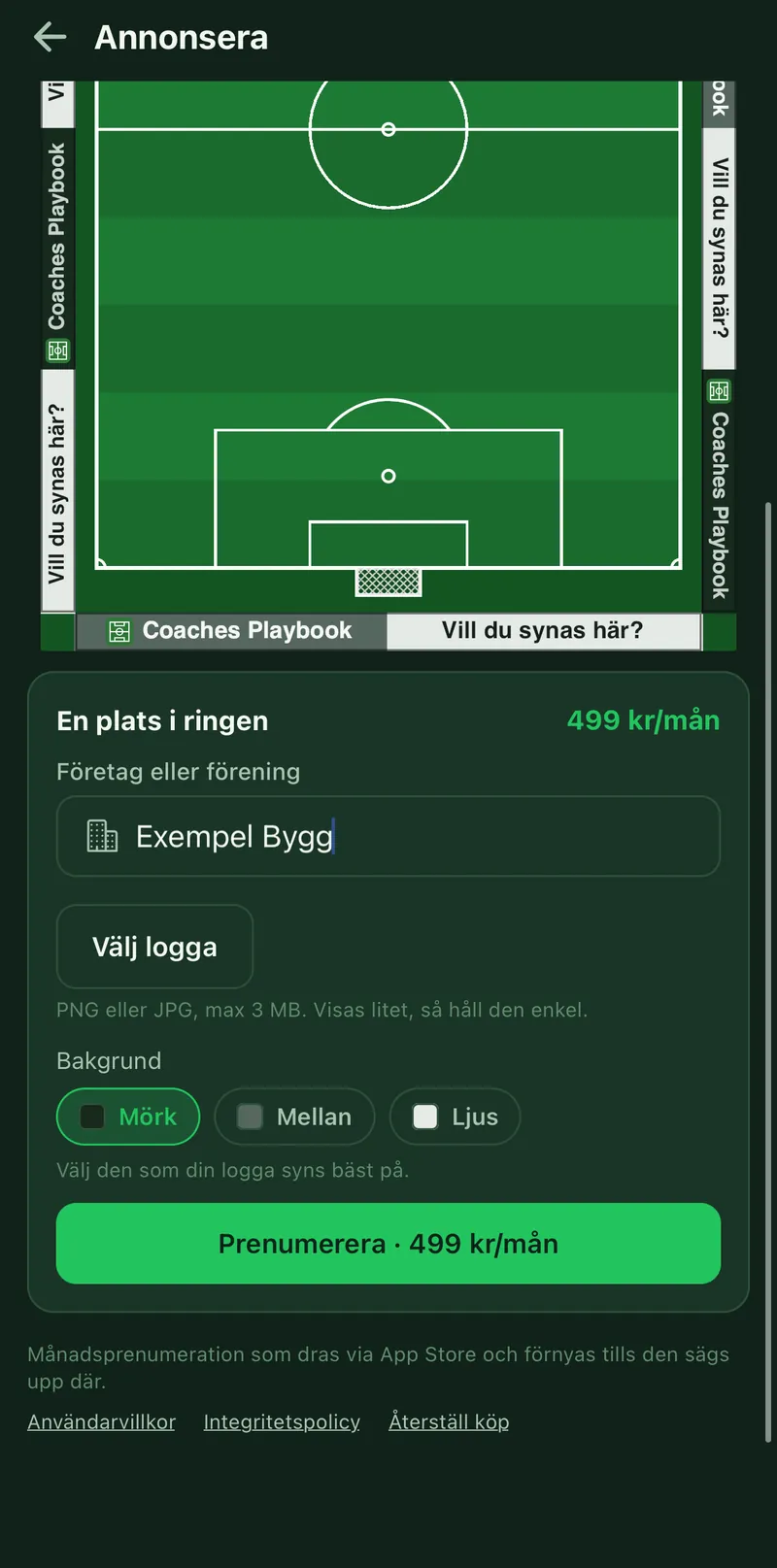
2More places
To show on more boards, tap Subscribe again. Each place is a subscription of its own.
3Review
The logo is reviewed before it shows, normally within a day. A new logo or name is reviewed again.
4Cancel
Manage subscription opens the store's subscriptions. The board shows until the period ends.
5No free place
If every place is taken, tap Notify me and you get a notification when a place frees up.