All guidesStart here
Getting started
Coaches Playbook is a tool for anyone coaching a team: draw exercises, plan sessions, keep the schedule and run match day. This is how you get from an empty account to a planned training in a quarter of an hour. Every step has its own guide if you want more.
Where to find it
- Download the app
- Create account
1Create an account and pick an age group
Sign up with email, Google or Apple. The first time, the app asks which age group you coach. The answer becomes a filter in Explore, which you can change there at any time.
2Grab a ready-made pack
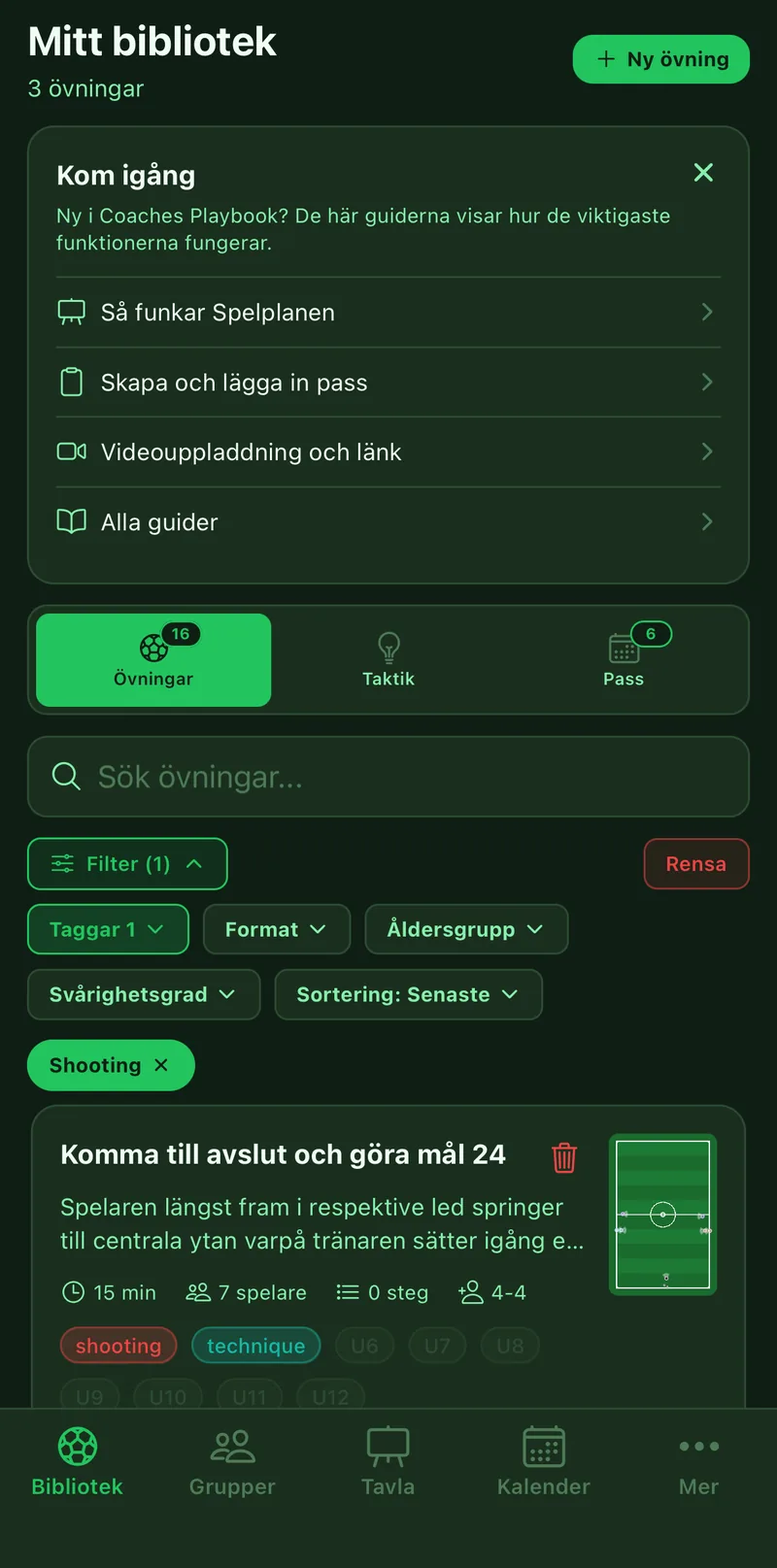
Go to More, Explore and the Packs tab. Open a pack for your age and tap Take the whole pack. You now have four complete sessions with exercises in your library, ready to run.
3Create the team's group
Go to Groups and tap Create. Share the invite code with the other coaches so you all see the same exercises, sessions, squad and calendar.
4Add the players
Open the group and the Squad tab. Enter name, number and position. The squad is used in lineups, on match day and in the playing-time stats.
5Add the next training
Go to Calendar, tap plus and create the training. Set Repeats and the whole season is in. Link one of the sessions from the pack.
6Run the training
On the pitch, open the training and tap Start session. The timer counts down each exercise and shows the pitch to the team. Done.
7Good to know
The app works without coverage: what you have opened is shown from a saved copy. The same account exists on coachesplaybook.app, where the bigger screen suits drawing exercises. Under Profile you find more guides, the trash and language.