All guidesStart here
Home
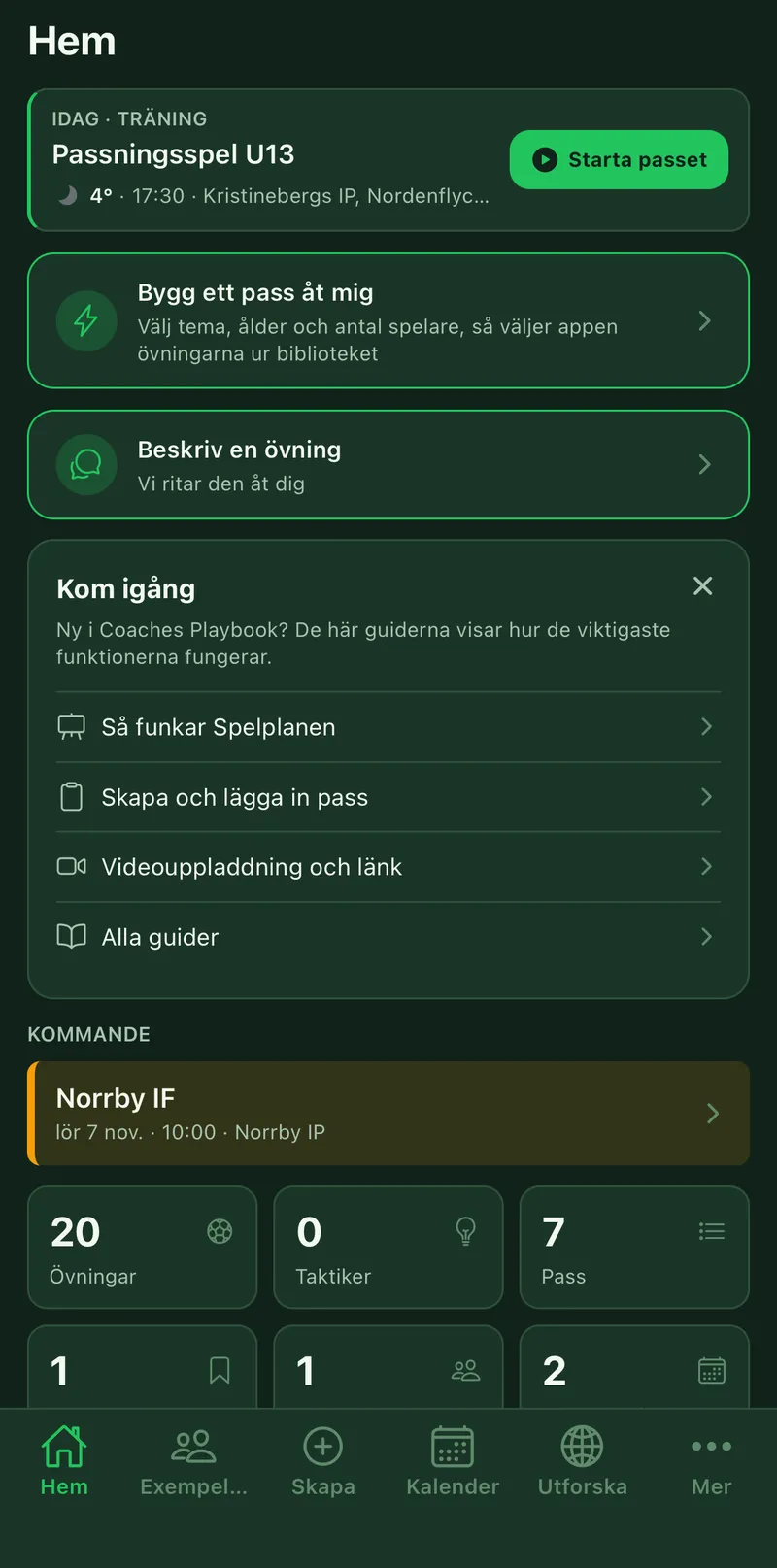
Home is the app's first tab and the page you come back to between trainings. It shows what happens next across all your teams, lets you build a session straight away and leads to your library. As a new coach you also see the Get started card with the most important guides, and the cross closes it.
Where to find it
- Home
1The next event
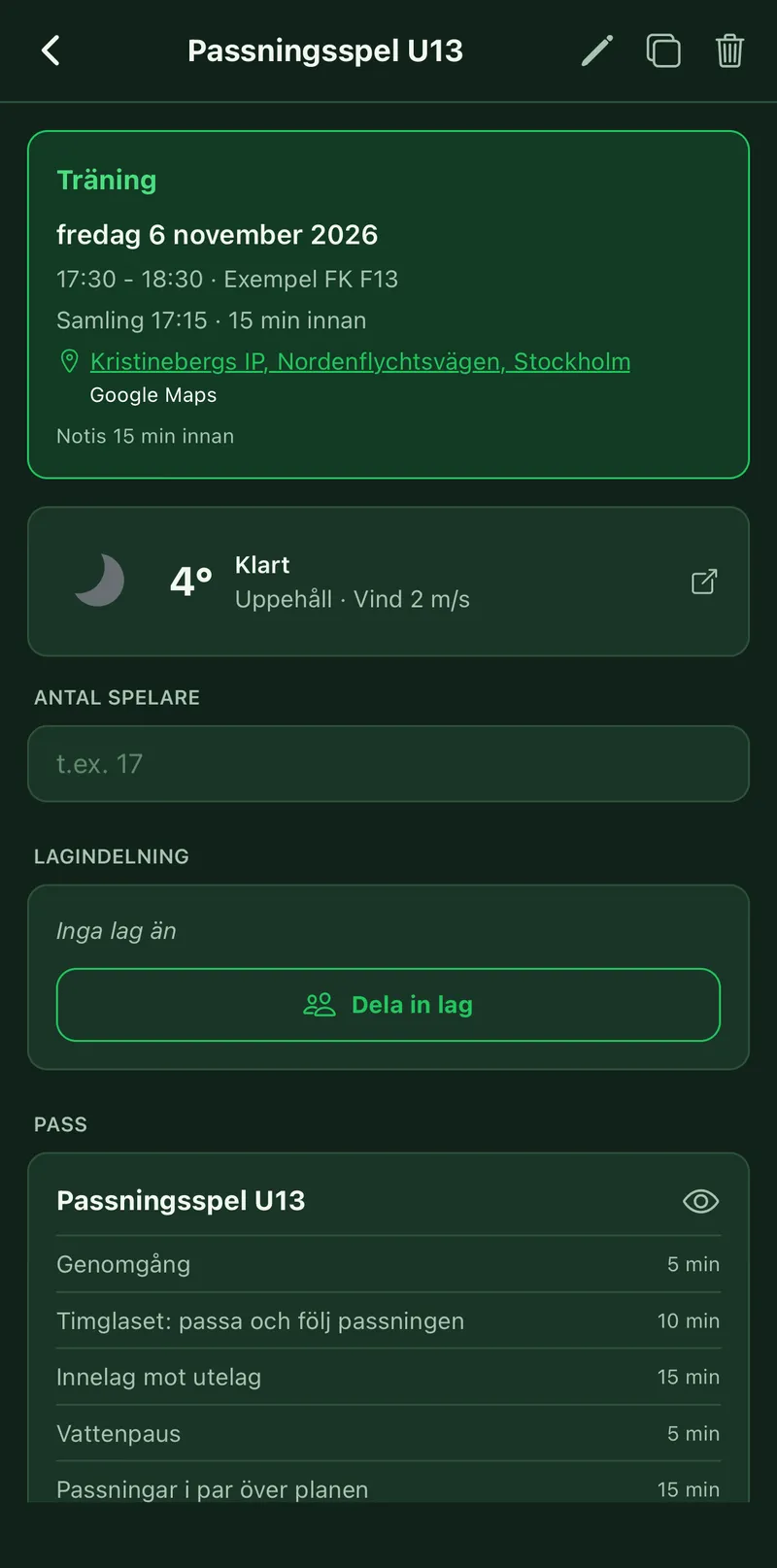
At the top is the next event across all your teams, with weather and location. Tap the card to open it. A training with a linked session has a Start the session button, and a match has Go to match. With nothing planned, the card leads to the calendar.
2Build a session or describe an exercise
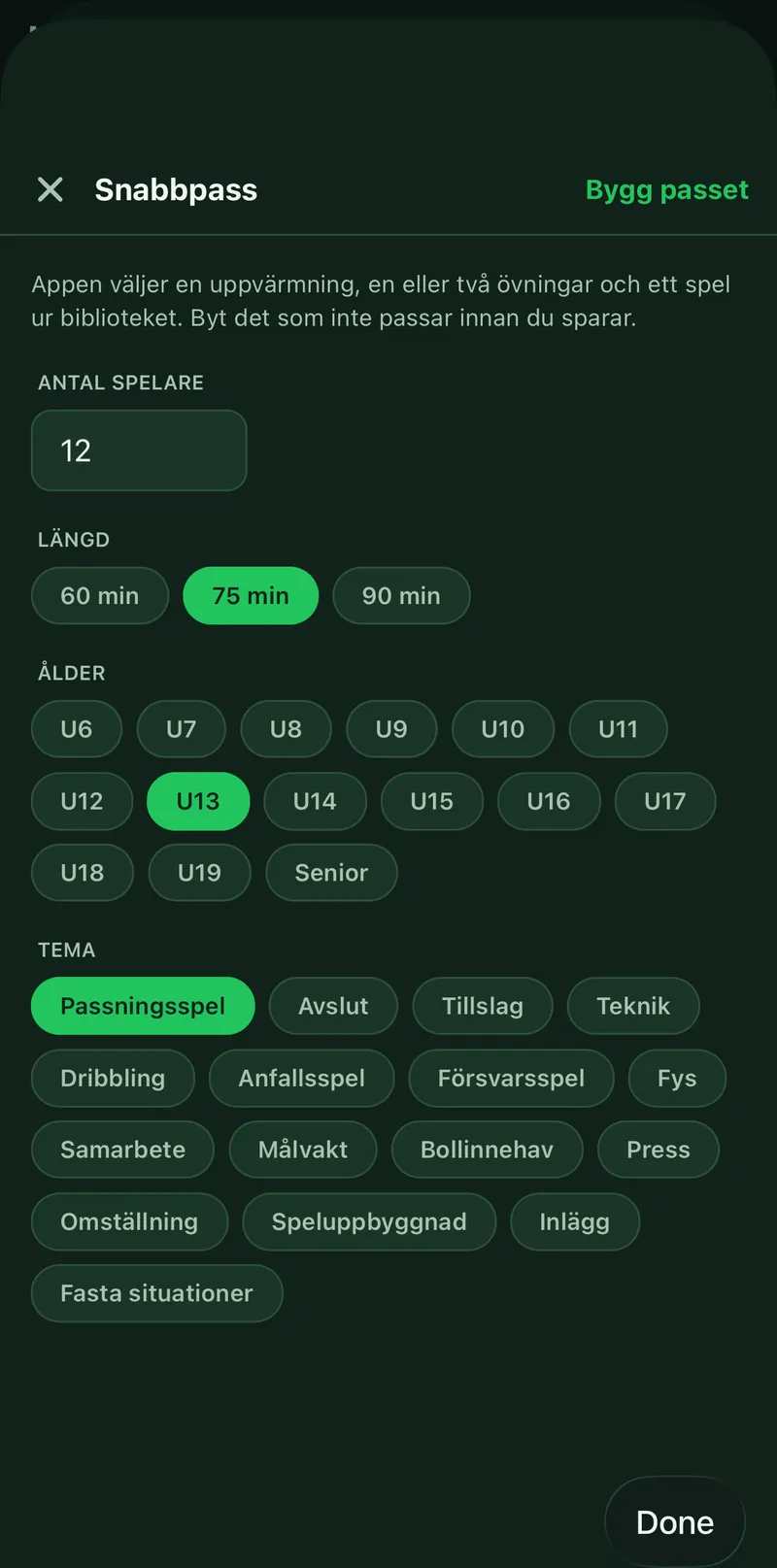
Build a session for me opens Quick session: pick a theme, age and number of players, and the app picks the exercises. Describe an exercise sends us your idea, and we draw it for you. See the guides Create a session and The exercise screen.
3Coming up and Continue
Coming up shows what happens after the next event. Continue takes you back to what you last opened, and if you have started a pack the row shows its next session.
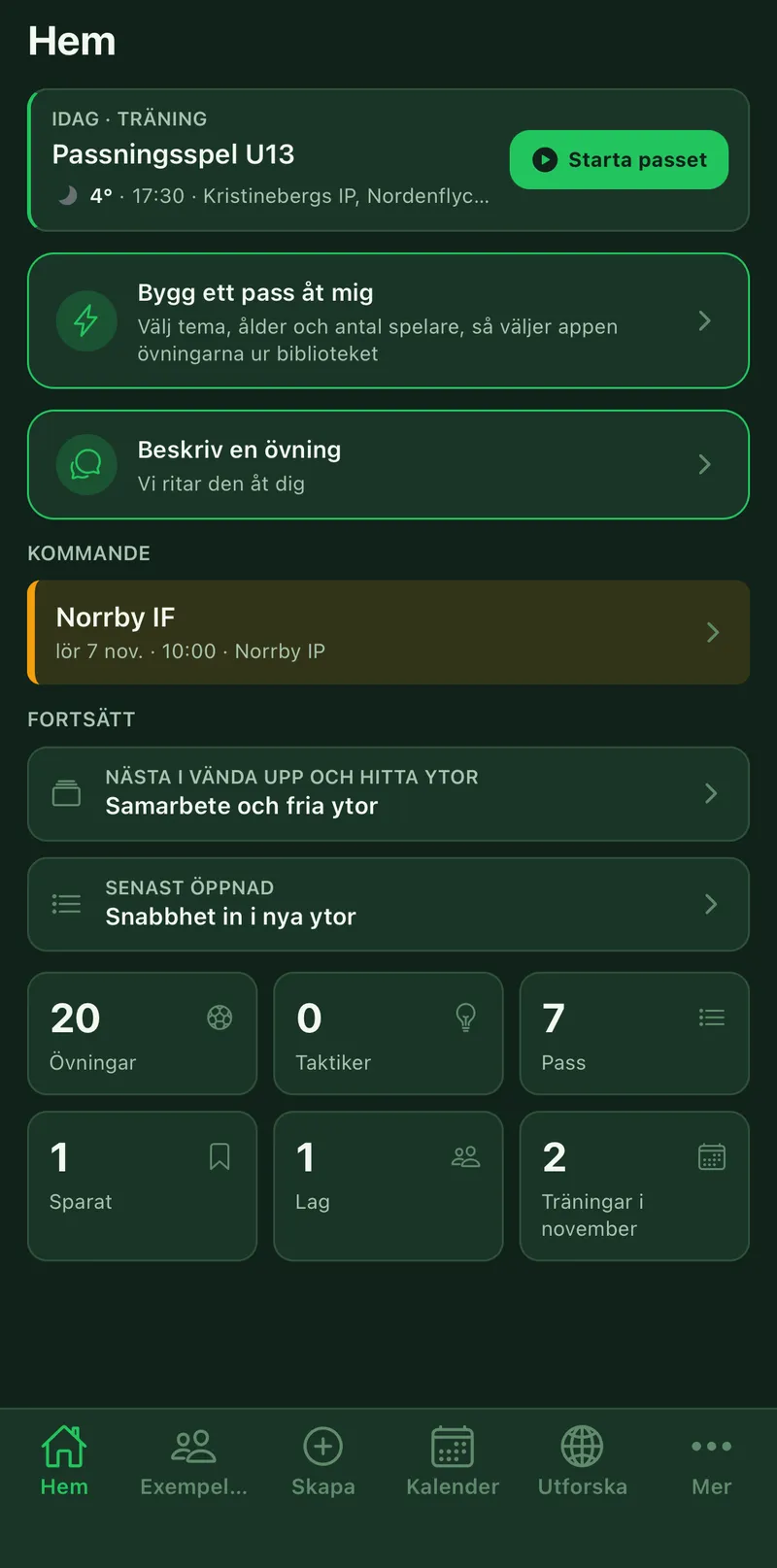
4Your numbers
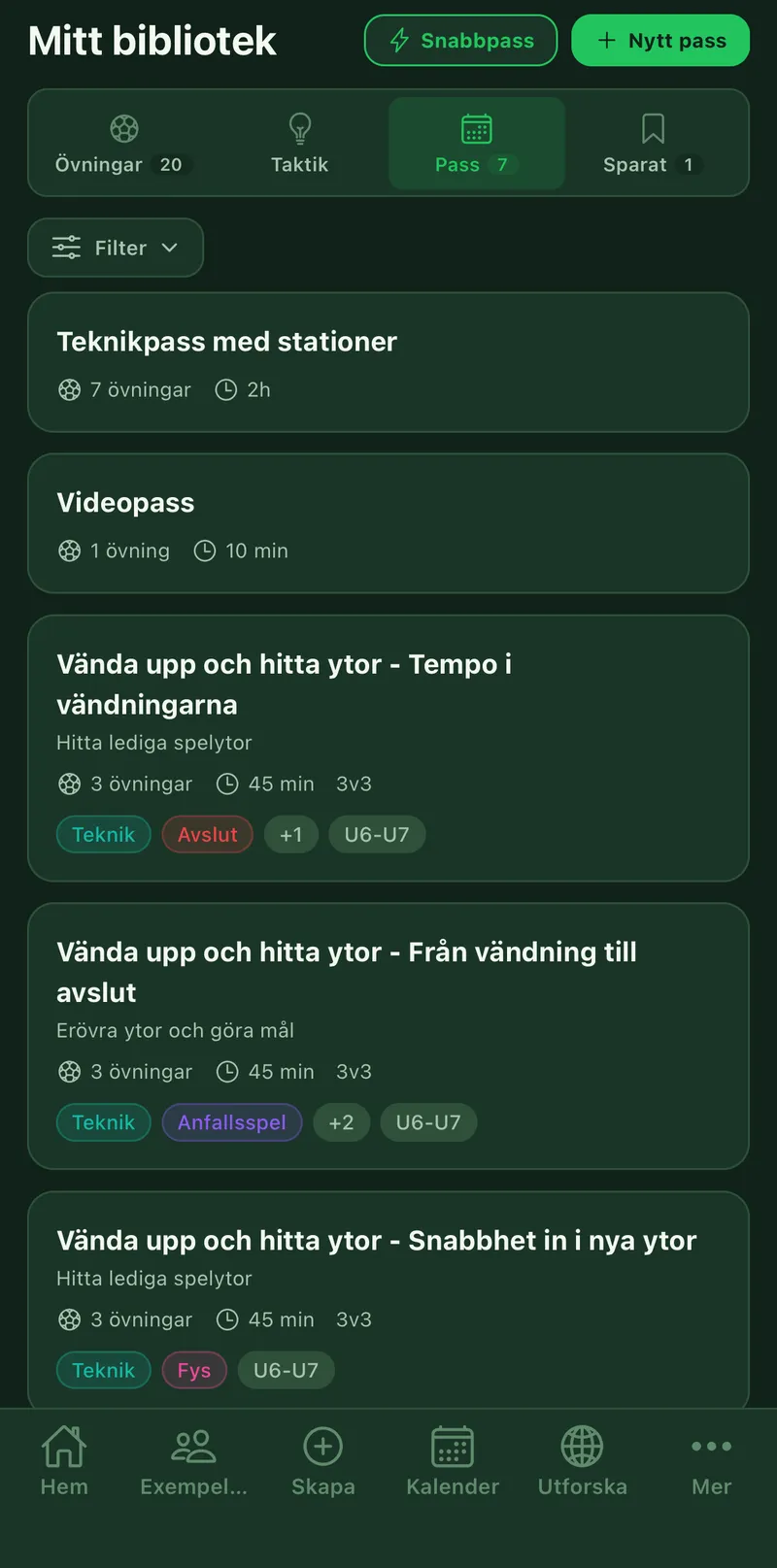
At the bottom you see how many Exercises, Tactics, Sessions and Teams you have, what you have Saved and how many trainings the month holds. Tap a number to go there. That is how you reach the library, which otherwise sits under More.