All guidesShare and find
Explore and packs
You do not have to draw everything yourself. Explore holds public exercises, tactics and sessions from coaches around the world, and Coaches Playbook's own ready-made training packs. Whatever you like, you copy to your library and change as you please.
Where to find it
- More
- Explore
1Browse and search
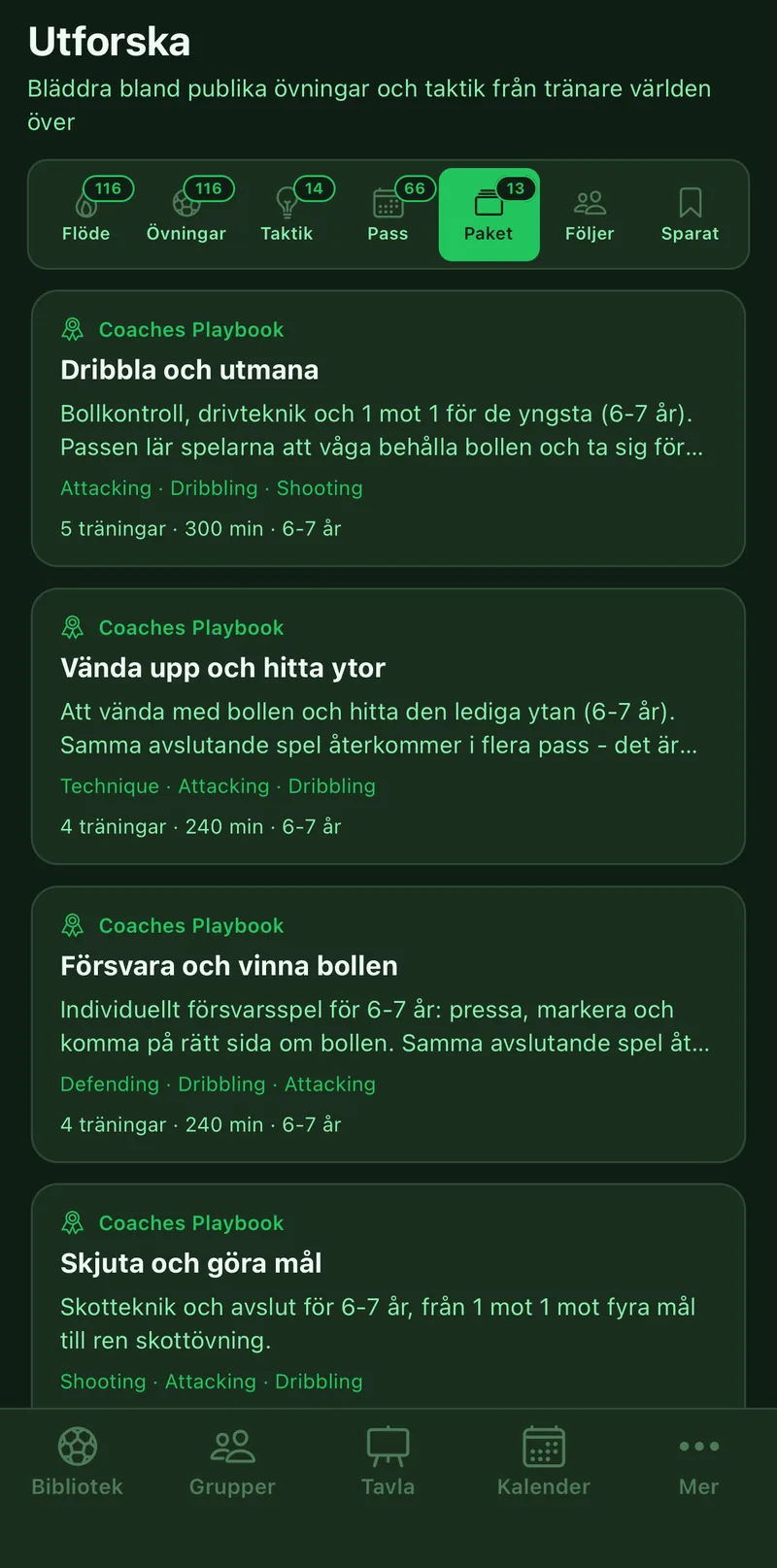
Feed shows the latest. The Exercises, Tactics, Sessions and Packs tabs sort by type. Search by name or coach, and tap Filters for age group, format, theme and language.
2Take an exercise into your library
Open the exercise, tap the three-dot menu and choose Duplicate. The copy is yours and can be changed freely. It cannot be published again, since the original already is.
3Save for later
Tap the bookmark on an exercise or tactic and it lands under the Saved tab, without being copied.
4Follow coaches
Tap the coach's name on an exercise, then Follow. Everything they publish is collected under Following.
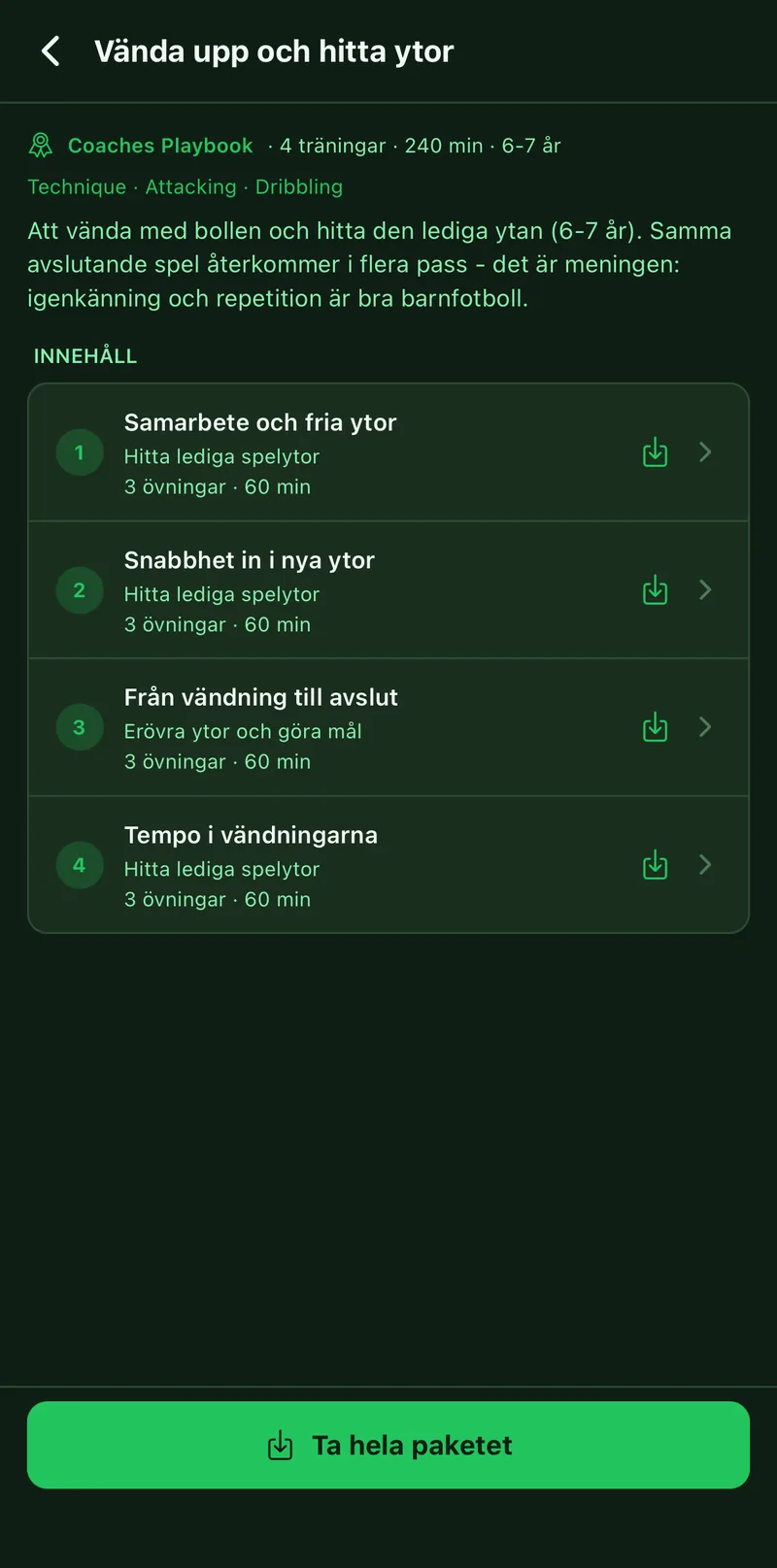
5Take a whole pack
A pack is a ready-made plan with several sessions for a given age. Open the pack and tap Take the whole pack, and every session with its exercises is copied to your library. If you only want one session, tap Take the session on it.