All guidesShare and find
Groups
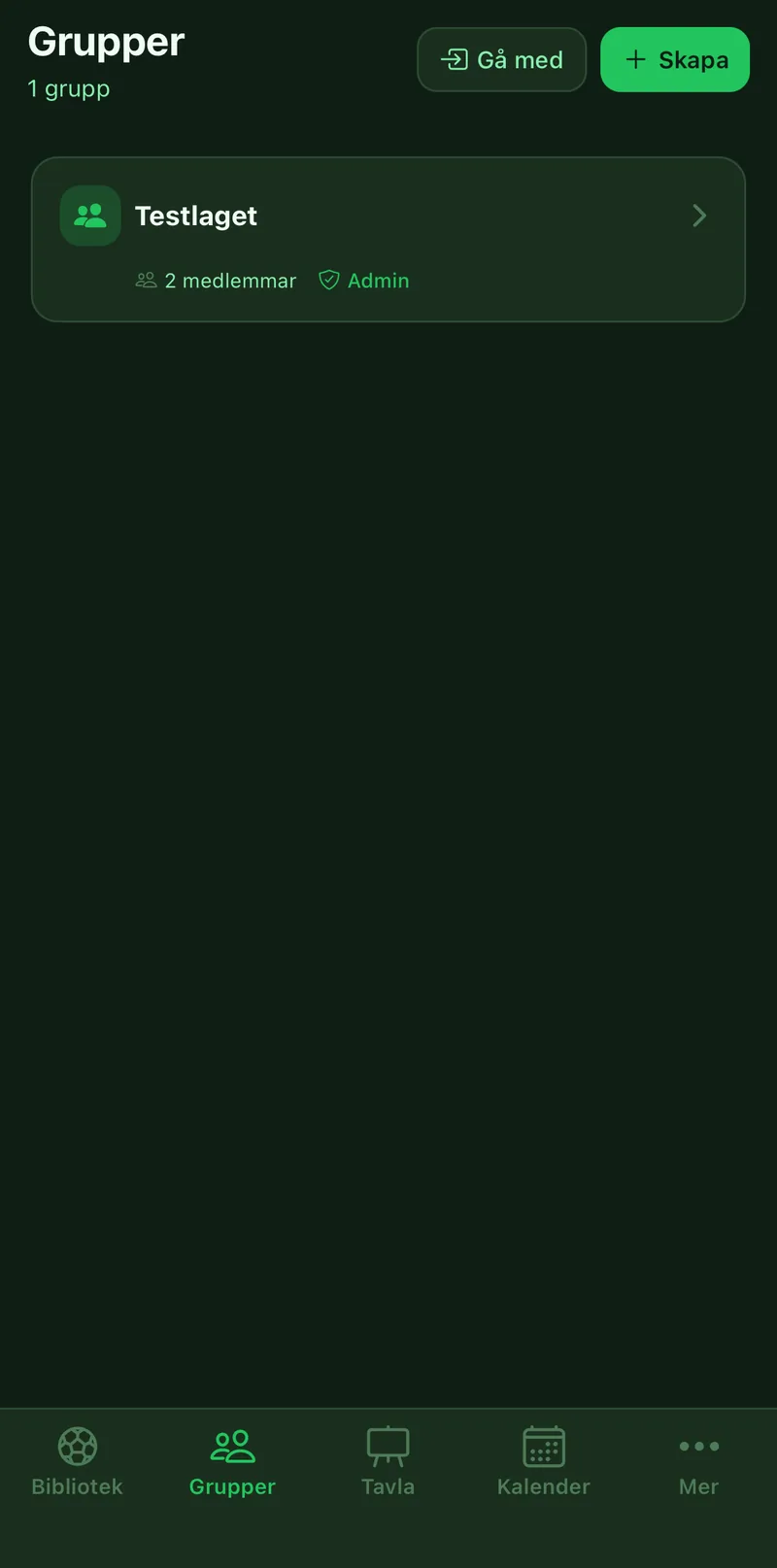
A group is the coaching staff around a team. What you share to the group, everyone in it sees: exercises, tactics, sessions and lineups. The group also holds the team's squad, calendar and matches. Everything about players in the app hangs off a group.
Where to find it
- Groups
- Create or Join
1Create the group
Tap Create, give the group a name like U16 Coaching Staff and a description if you like. The group gets an invite code.
2Invite the other coaches
The code is on the group's Overview. Tap Share to send it. If the code ends up in the wrong hands, tap Generate new code and the old one stops working.
3Join a group
If you have a code, tap Join and enter it. Everything the group has shared is there straight away.
4Set roles
Tap your name in the member list to pick a role: head coach, assistant, goalkeeper coach, fitness coach, scout, analyst or other. Whoever created the group is admin and can make others admin and remove members.
5Find your way around
The Exercises, Tactics, Lineups and Sessions tabs show what has been shared. Squad and Tests are the players, and Matches shows upcoming and played matches with results and the season's record from the live matches.
6Share to the group
Open an exercise, a tactic or a session and tap Share. See the guide Sharing and publishing.