All guidesOn the pitch
Live match
Live match keeps track of who is on the pitch, for how long, and what happens. Afterwards you have the result, everyone's minutes and the goals saved on the match, without having written anything down. It builds on the group's squad and a match in the calendar.
Where to find it
- Calendar
- open a match
- Start match
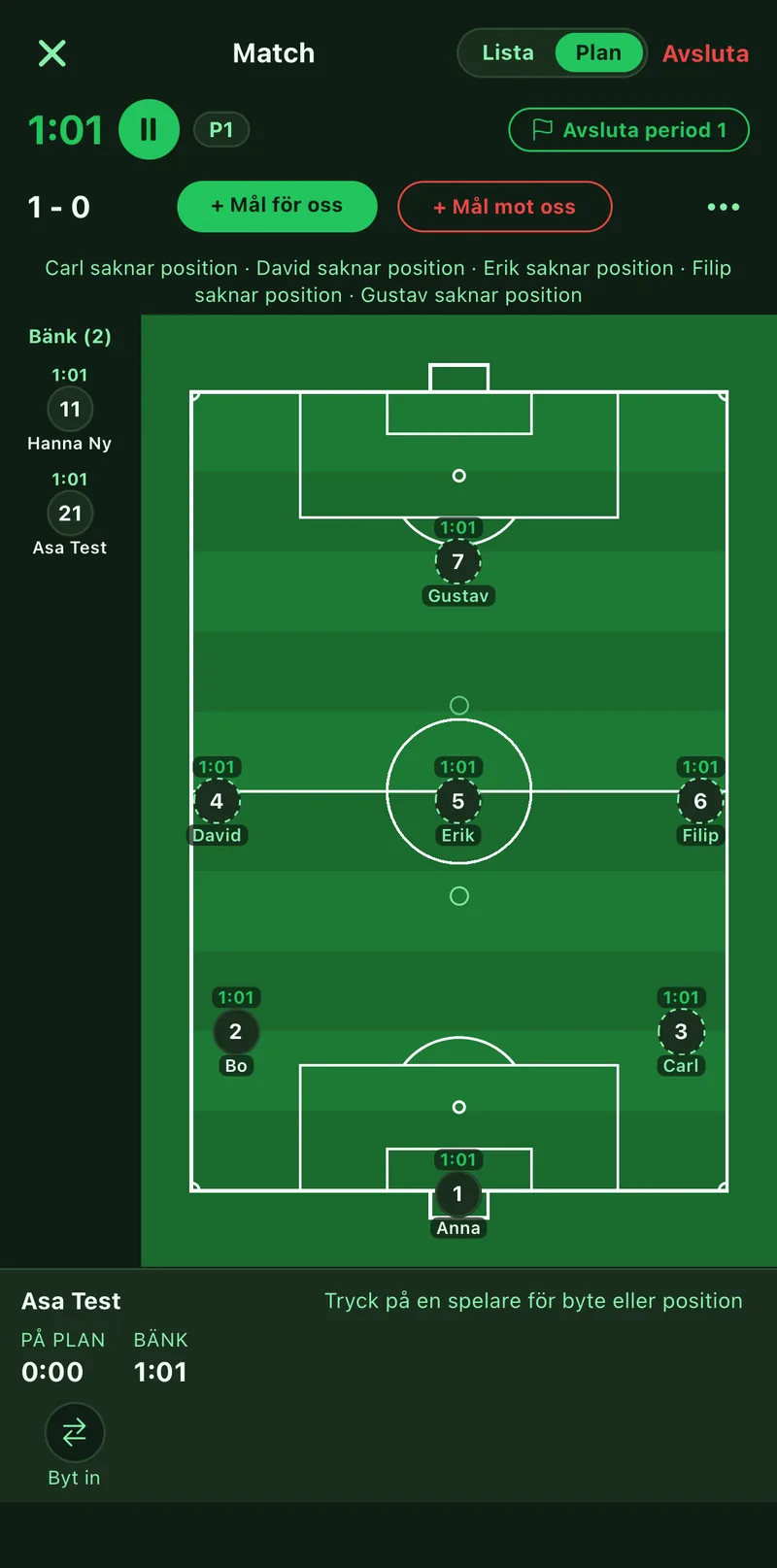
1Pick the starting lineup
Tap Start match on the match. Tap the players who start on the pitch, the rest go to the bench. If a lineup is linked to the match the eleven is already filled in. Tap Start the match for kick-off.
2Substitute
Tap the player coming off, then Sub in on the one going on. The clocks carry on: pitch time for those playing, bench time for those waiting.
3Log goals
Tap Goal for us or Goal against as it happens. For your own goals you pick scorer and assist. The score is always shown at the top.
4Half time
Tap End period at half time. Every clock stops, and the next period starts when you tap again. If you need to stop mid-play there is pause.
5Finish and read the stats
Tap End. Result, minutes and goals are saved on the match in the calendar and shown on the group's Matches tab. Playing time feeds each player's profile, so next match you see who has had the least.