All guidesOn the pitch
Run a session live
On the pitch you want your eyes on the players, not on the clock. Live mode counts down every exercise, tells you when it is time to switch and shows the exercise's pitch full screen so you can show it to the team.
Where to find it
- Library
- the Sessions tab
- open a session
- Start session
1Start
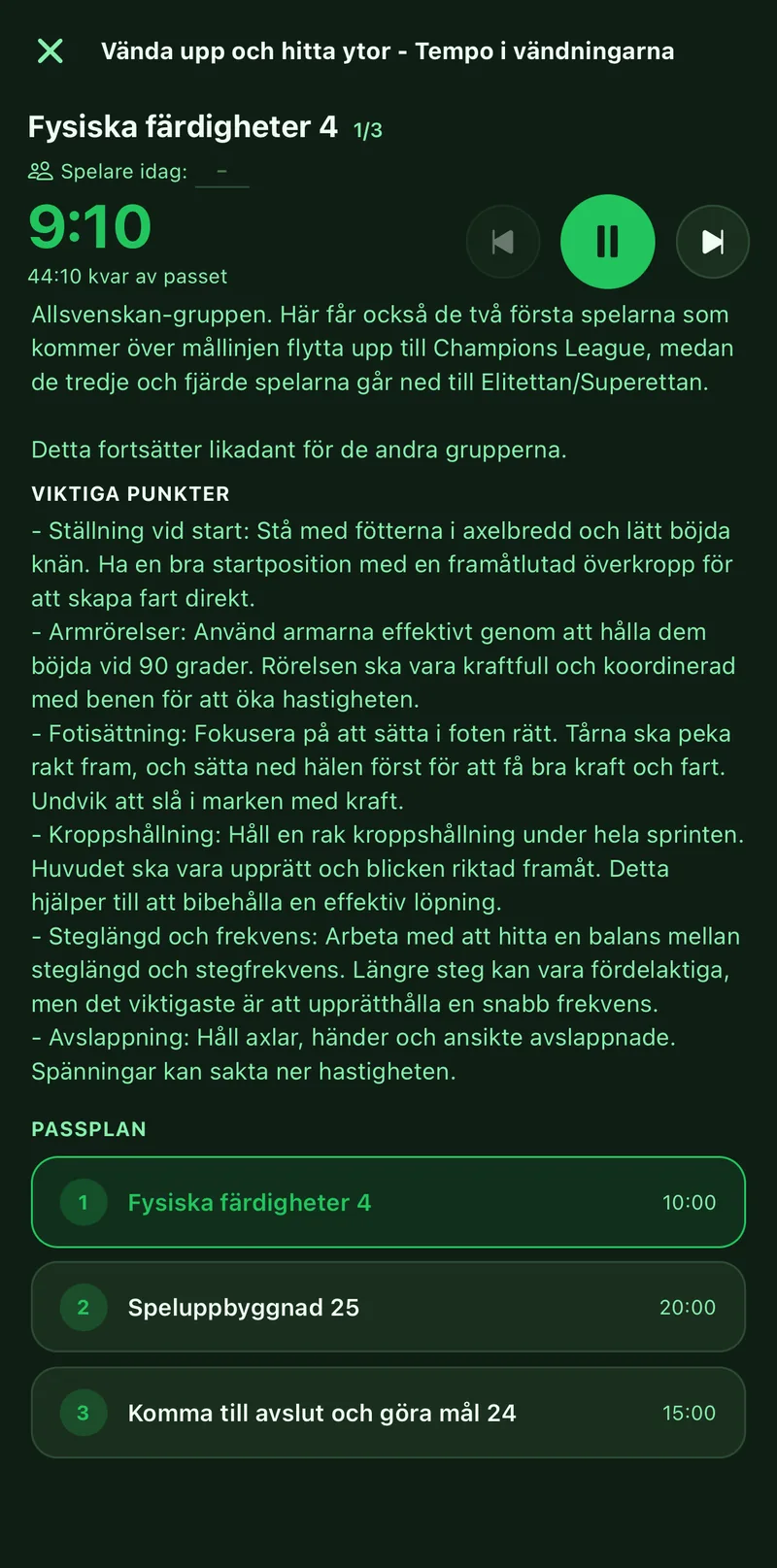
Open the session and tap Start session. It also works from a training in the calendar that has a session linked. The first exercise's timer starts right away.
2Follow the exercise
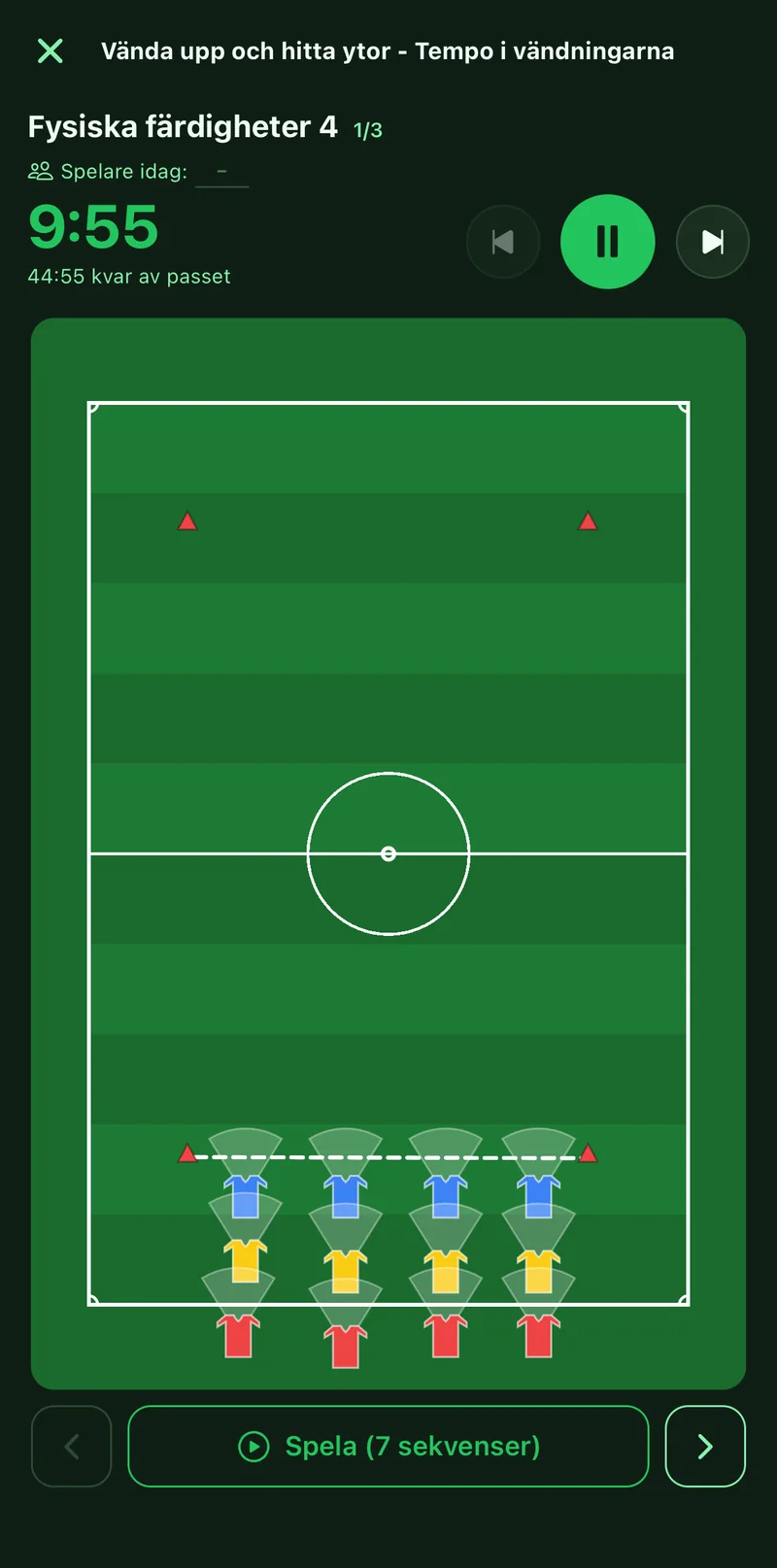
At the top you see the exercise name, the timer and how much of the whole session is left. Below it sit the pitch and the description. If the exercise has slides, tap Play to show the movement.
3Switch, jump and pause
Tap the arrows to go to the next or previous exercise, or tap a row in the plan at the bottom if you change the order on the spot. Pause stops everything until you resume.
4Finish
Tap the cross in the top left when training is over. The session in your library is not changed by what you did live.