All guidesPlan
The squad
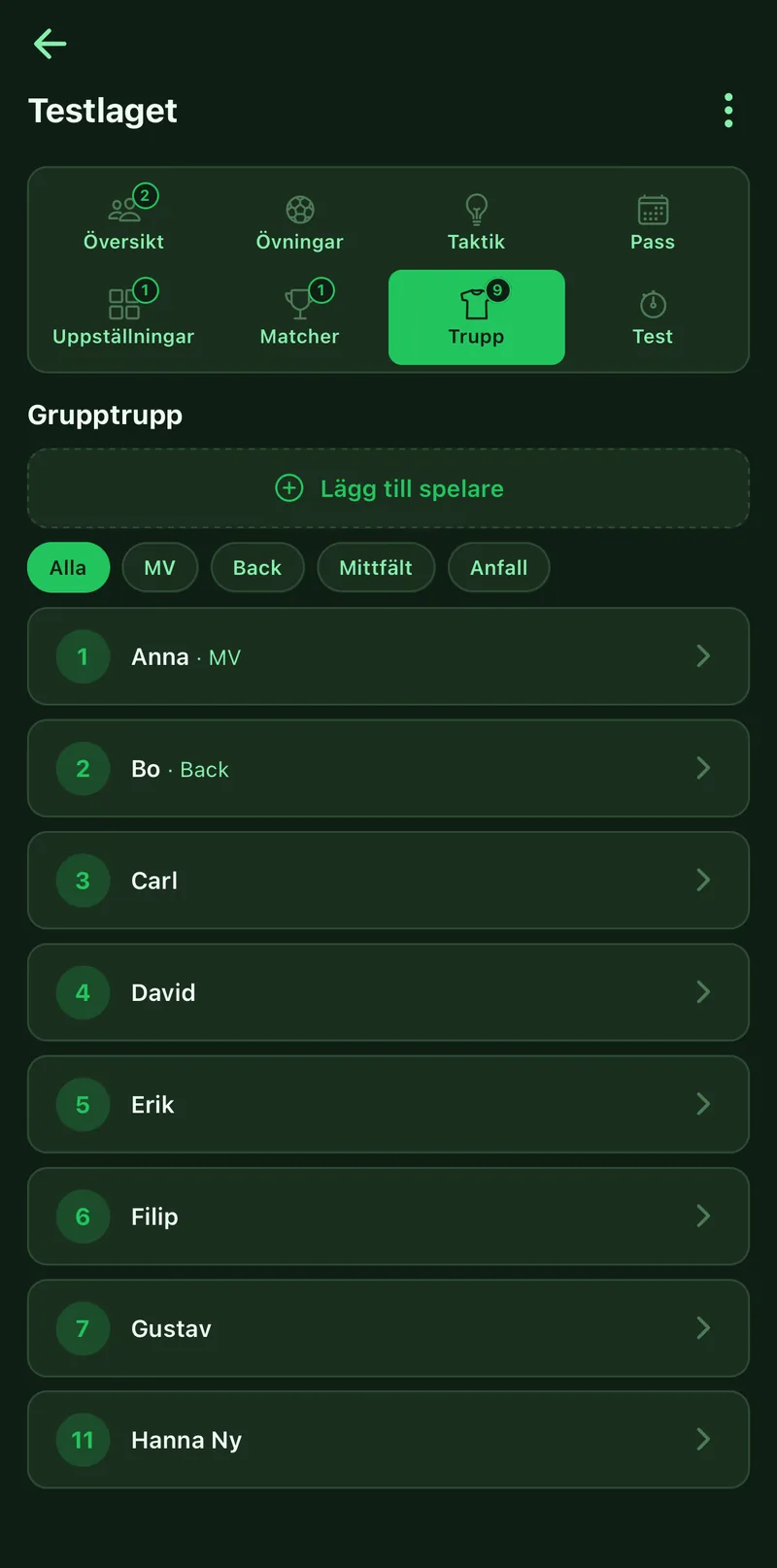
The squad is the team's players, with numbers and positions. You add them once on the group's Squad tab, and then they are everywhere: in lineups, on match day, in the playing-time stats and in the player profiles. Every coach in the group sees and updates the same list.
Where to find it
- Groups
- open the group
- the Squad tab
1Add players
Tap Add player and enter name and shirt number. Tap a player to edit or remove.
2Set positions
Give each player one or more positions: GK, Defender, Midfield or Forward. The filter at the top shows one position at a time, handy when picking the starting lineup.
3Open the player profile
Tap a player. Here you find a shared note every coach sees, player talks with dates, test results and development goals. Before a talk you get a briefing with playing time and goals completed since last time.
4Record a test for everyone
On the Tests tab, tap Record test, pick the test, for example a beep test or your own, and enter results for the whole squad at once. Leave blank to skip someone.
5Keep playing time fair
Minutes from live matches are collected per player. At the top of the Squad tab you see who has played most and least and how far from the average they are.
6Use the squad on the pitch
In the field editor the roster button pulls in the players with name and number. That is how you build a lineup on the group's Lineups tab.