All guidesPlan
Create a session
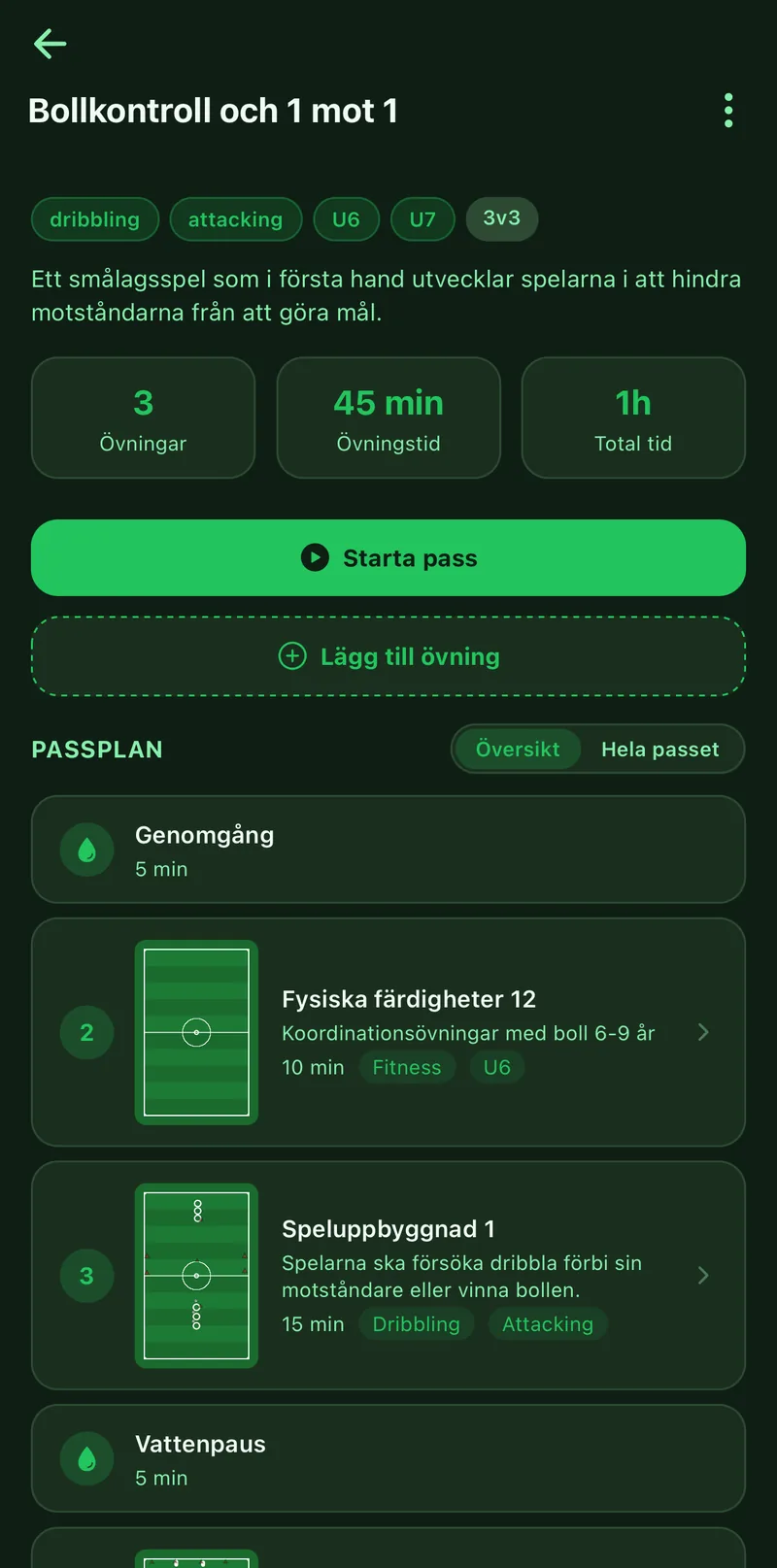
A session is the exercises in the order you run them, with a time per exercise and breaks in between. You see at once how long training will be, can share the session with the other coaches and run it live on the pitch with timers.
Where to find it
- Library
- the Sessions tab
- New session
1Name the session
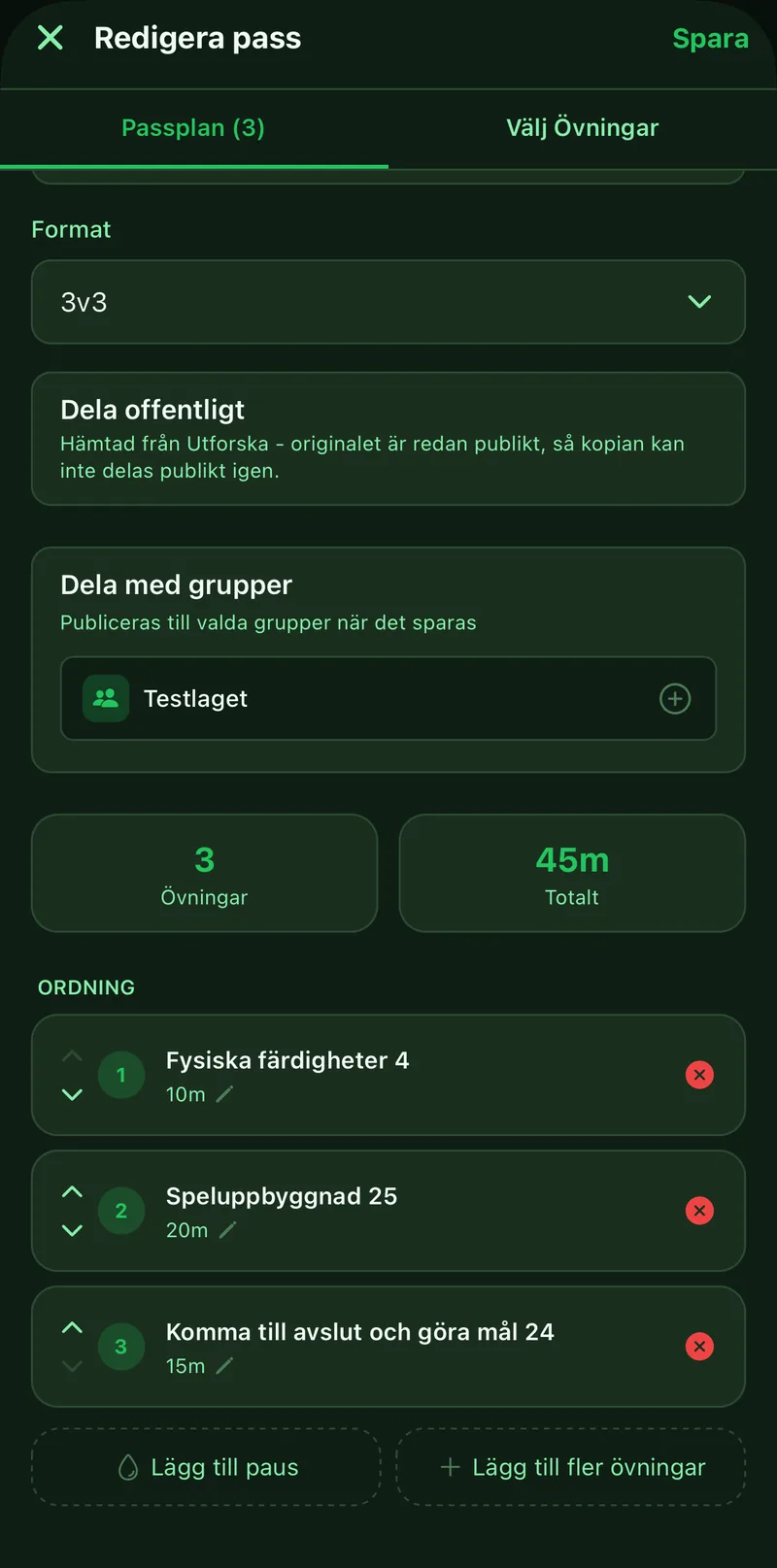
Enter a title on the Session plan tab. Age group, format and a description are optional but make the session easier to find later.
2Pick exercises
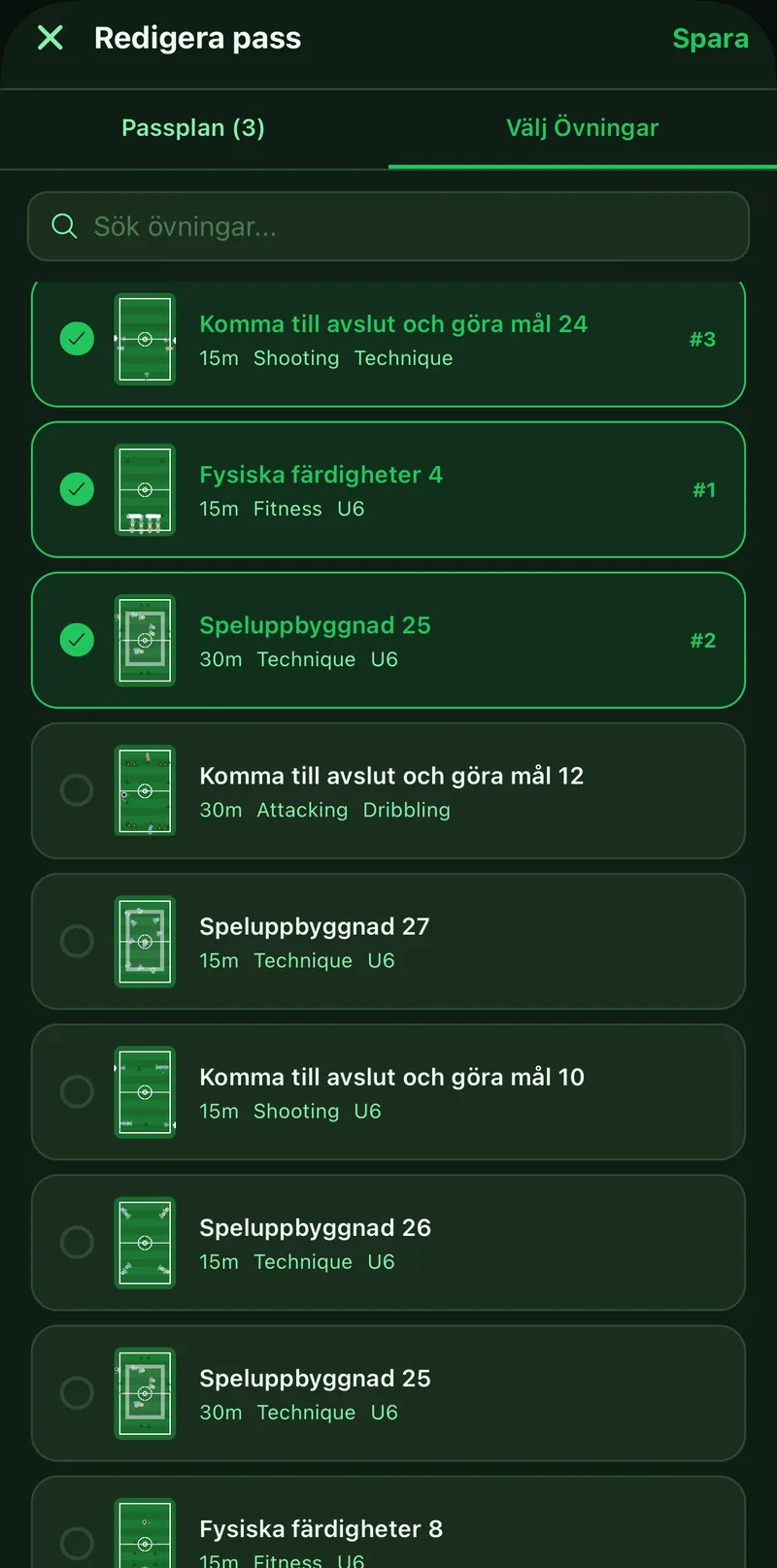
Switch to the Pick exercises tab and tick the exercises from your library. Search by name if the list is long. Each exercise brings its own duration, which you can change on the plan.
3Add breaks
Tap Add break for a water break or a briefing between two exercises. The break gets its own length and label.
4Set the order
Move exercises and breaks up or down with the arrows on each row until the order is the one you run. The total time is recalculated as you move.
5Save and use the session
Tap Save. From the session screen you can then tap Start session to run it live, share it to the group or link it to a training in the calendar.